
How to Set Up an Instagram Account the Right Way
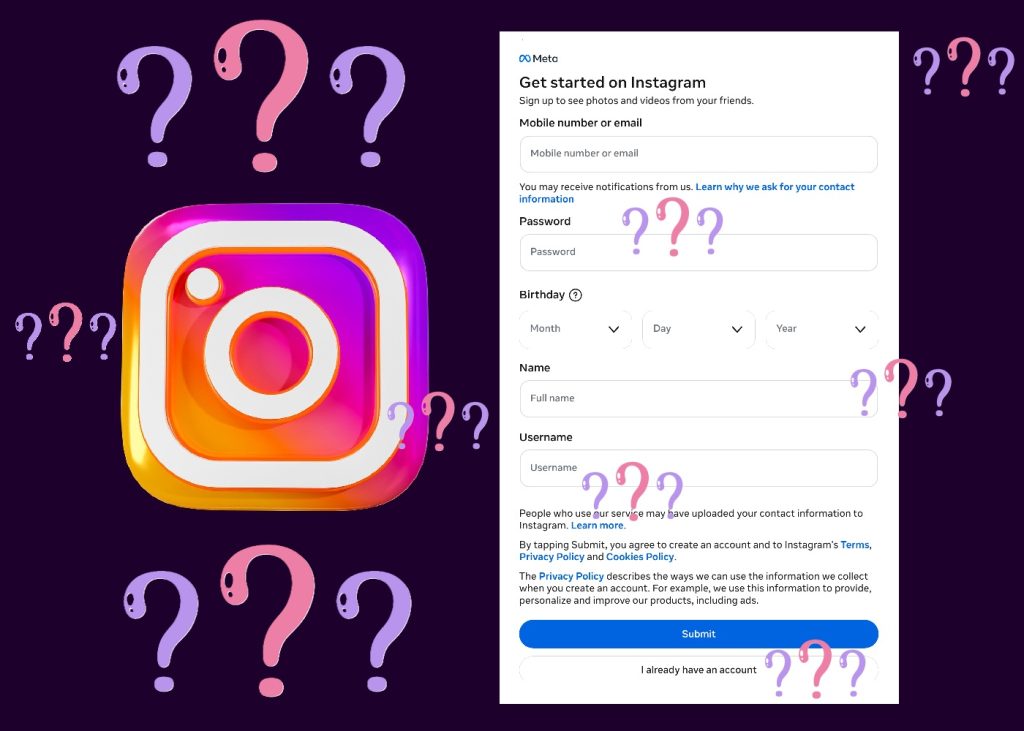
Most people think setting up an Instagram account takes about three minutes. You download the app, pick a username, add a photo, and you’re done. That speed is actually part of the problem. The choices you make in those first few minutes shape how the platform sees you. They also shape how new visitors perceive your account. Treating the setup process as a quick formality leads to small mistakes. Those mistakes quietly limit your growth in ways that feel mysterious later. The good news is that getting it right doesn’t take much longer than getting it wrong. When you set up an Instagram account, it just takes a small amount of intention applied at the right moments. Beginners often skip that step because nobody tells them it matters. This guide walks through what those moments are. It also explains how to handle each one well from the very beginning.
Why It Pays to Set Up an Instagram Account Carefully
The decisions you make during setup feel small in the moment. However, they accumulate into something larger over time. Your username, bio, profile photo, and even your account type all send signals. They tell Instagram’s algorithm what your account is about. They also tell visitors whether to follow you. Rushing means making those signals by accident rather than by design. Creators who set up an Instagram account thoughtfully give themselves a real structural advantage. They don’t have to fix avoidable problems later, when fixing things is much harder. The hour you might save by skipping these decisions usually costs many hours later. That trade rarely seems worth it once creators understand what they’ve done to themselves.
First Choices When Starting a New Instagram Profile
Your earliest setup choices affect three things at once. First, they shape how the algorithm categorizes your account during its earliest learning period. Second, they shape how new visitors interpret your profile in the first few seconds. Third, they shape how easily people can find you through search. None of these effects is dramatic on its own. Together, though, they create either a foundation that supports growth or a set of obstacles. Those obstacles will quietly hold you back over time without obvious cause. Setup is the only stage where you control all three signals at once. Starting a new Instagram profile with these effects in mind reframes the whole process for you.
The Hidden Cost of Fixing Things Later
Every setup choice can be changed after the fact, but changes carry costs. Switching usernames after building an audience confuses returning visitors. It can also break links that point to your old handle. Rewriting your bio repeatedly signals indecision to the algorithm. Replacing a profile photo that followers recognize disrupts your visual identity. None of these costs is catastrophic on its own. They’re just unnecessary if you make better choices during the initial setup. A small amount of care now saves real friction later. Many creators find that early setup mistakes still affect their accounts months later. The signals you send during your first week matter more than most creators realize at the time.
Starting a New Instagram Profile: The First Decisions
When you start the signup process, the app asks for basic information first. Don’t treat this as paperwork to rush through quickly. Each field is a chance to make a deliberate choice. That choice will affect how your account performs from day one. People who set up an Instagram account well start with thinking about who they want to reach. It also means thinking about what you want to be known for over time. Even if you’re not certain yet, sketch out rough answers at this stage. Those rough answers give you a direction to build from. They also prevent the worst kind of drift later on. The exercise takes about ten minutes and pays back many times over.
Choosing a Username for Your New Profile
Your username is the hardest setup choice to change later, so it deserves real thought. Pick something that connects to your name, niche, or brand identity. Avoid usernames packed with numbers, underscores, or random characters. Such usernames are harder to remember and harder to type. They also look unserious to potential followers. If your ideal name isn’t available, try variations that still read cleanly. A username someone can repeat aloud and spell correctly is one that travels well. Word-of-mouth recommendations rely on usernames being memorable. So do hashtag mentions and tags from other accounts. Treat your username as a small but lasting marketing asset. Many growing creators say their username was one of the most consequential early choices.
Picking the Right Email and Phone Number
Use an email address you actively monitor and a phone number you control directly. These details aren’t visible to followers, but they matter for account recovery. They also matter for verification later if you pursue it. Many creators use a personal email for setup and later regret that choice. The regret usually comes when the account becomes business-related. Consider using a dedicated email from the start. Even if your account is purely personal for now, that small step costs nothing. Furthermore, it prevents complications later if your account grows beyond what you originally planned. Starting a new Instagram profile with proper credentials is genuinely worth the few extra minutes. Treat your account credentials as infrastructure, not paperwork.
Creating Your First Social Media Account: Profile Basics
Once basic signup is complete, the next stage involves what visitors actually see. Your profile photo, your name field, and your bio together form the first impression. Every new visitor encounters that impression in the first few seconds. Creating your first social media account thoughtfully means treating these elements as a coordinated package. They should work together to communicate who you are. They also need to communicate quickly, because most visitors decide within seconds. The individual choices are small, but the cumulative effect is significant over time. Each element either reinforces the others or quietly contradicts them. Anyone who plans to set up an Instagram account that grows should treat this stage with care.
Profile Photo: Starting a New Instagram Profile Right
Your profile photo appears as a small circle next to every post and comment you make. It needs to be recognizable at that small size. A close-up photo of your face works well for personal brands. A clean logo works well for businesses or organizations. Avoid group photos, busy backgrounds, or images with text in them. They become illegible when shrunk down to thumbnail size. Use natural lighting if you can manage it. Choose a photo where you look approachable rather than overly polished. People follow accounts that feel human and relatable. Test your photo at small sizes before committing to it. What looks fine at full resolution may turn into a blur on mobile screens.
The Name Field vs. The Username
Many people don’t realize the name field is separate from the username. The name field is searchable. It also displays in larger text on your profile page. Use it strategically rather than as a duplicate of your handle. If your username is your real name, use the name field for a short description of your niche. If your username is a brand name, use the name field for your actual name or a tagline. Don’t waste this real estate by repeating your username verbatim. So the words you put there genuinely matter for discovery later. Treat it as a second piece of valuable text territory. After that, the field quietly does its job in the background.
Writing a Bio When You Set Up an Instagram Account
Your bio gets 150 characters and a single clickable link. Both deserve real thought during setup. The bio is where new visitors decide whether to follow you. It’s also where the algorithm picks up keywords that help categorize your account. When you set up an Instagram account, your initial bio will likely stay in place for weeks. Sometimes it stays in place for months without any updates. So it’s worth getting right rather than treating it as filler text. Many creators tell themselves they’ll fix the bio later. In practice, “later” often turns into never as the account grows. Make the bio count from the start. Effort spent now is much less than effort needed later.
What to Include in Your Bio
A good bio answers three questions in plain language. Who are you? What do you create or offer? Why should someone follow you specifically? You don’t need clever wordplay or motivational quotes to answer these. In fact, those often hurt more than they help your credibility. Direct, specific language outperforms vague aspirational phrasing nearly every time. “Sharing weekly recipes for one-pot meals” tells a visitor more than abstract aspirational language. Specificity is what makes a bio actually persuasive to strangers. Save the personality and the wordplay for your captions and posts. There’s plenty of room for it inside your actual content. Your bio’s job is orientation, not entertainment. Visitors will judge the rest of your work on its own.
Using the Bio Link When You Set Up an Instagram Account
The single link in your bio is valuable real estate. Point it to the place you most want visitors to go. That might be your website, your latest project, or a link-aggregator page. Don’t leave this field empty when you set up an Instagram account. An empty link slot signals that you haven’t finished setting up the account. Even if you only have a personal website, link to it. You can always change the destination later as your goals shift. Some creators rotate their bio link based on what they’re currently promoting. For new accounts, a single stable link is the better starting point. The link sends a clear signal that your account is open for engagement.
Final Steps for Creating Your First Social Media Account
Once your profile is filled out, a few remaining setup steps round things out. These often get skipped because they feel optional or technical. They aren’t optional, and the technical pieces are simpler than they look. Creating your first social media account properly means handling these final pieces before publishing your first post. Account type matters here too. Instagram offers personal, creator, and business accounts. Many people stick with the personal default and never reconsider. The choice between account types affects which tools and analytics you have access to. It also affects how your account is presented in certain discovery contexts on the platform. The default isn’t always the right fit for what you’re trying to build.
Account Types for Creating Your First Social Media Account
Stick with a personal account if your account is genuinely just for friends and family. Personal accounts have no analytics, no scheduling tools, and no contact buttons. However, they also feel more private to many users. Creator and business accounts unlock useful tools at no cost to you. Both unlock Analytics, scheduling, and contact options. Creator accounts lean toward individual public figures and content creators. Business accounts lean toward companies, services, and product brands. The category labels differ slightly, but the core feature sets overlap heavily. If you set up an Instagram account with growth in mind, pick one of these two. Switching back to personal later is always possible if your goals change.
Securing and Reviewing Before You Launch
Turn on two-factor authentication immediately during setup. Use the authenticator app option rather than SMS where possible, since it’s more secure. Account recovery is much harder than account prevention, so don’t skip this step. Save your backup codes somewhere safe and accessible. Then take ten minutes to review your profile from a visitor’s perspective. Open it in another browser or ask a friend to look at it. Imagine you’ve never seen this account before. What do you understand from the photo, name, and bio together? Is your purpose clear within eight seconds? If anything feels unclear, fix it now while changes cost nothing. After launch, every change carries some friction. Treat that pre-launch window as the asset it actually is.
VerifiedBlu is a great resource for growing your Instagram followers organically and authentically. Contact us to talk about how we can help.
