
How to Make Your First Instagram Reel Without Overthinking It
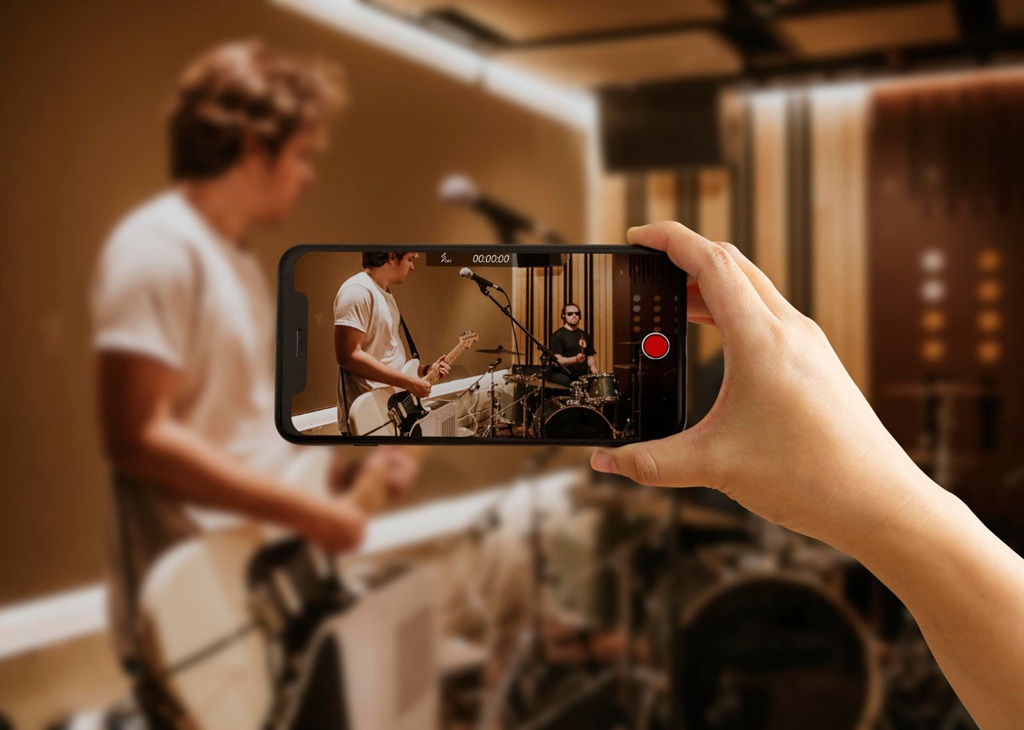
Most people who hesitate before making their first Reel aren’t short on ideas. They’re short on confidence. The format feels unfamiliar and the editing looks complicated. The fear of producing something amateurish is enough to keep a lot of creators stuck in planning mode indefinitely. The truth is that the best way to get comfortable with Reels is to make one. Getting started with Reels doesn’t require professional equipment, advanced editing skills, or a perfectly scripted concept. It requires deciding to start. This guide walks you through the process in practical terms so your first Reel is something you actually publish. Every step here is designed to lower the barrier to entry, not raise the standard.
What a Reel Actually Is and Why It Matters
A Reel is a short-form vertical video, typically between five and ninety seconds long. Unlike Stories, which disappear after twenty-four hours, Reels stay on your profile indefinitely. They can also surface to people who don’t follow you yet. That discoverability is the main reason Reels have become important for account growth. Instagram may show your Reel to a broader audience if it performs well. That includes people browsing the Reels tab, searching related topics, or seeing it recommended by Instagram’s algorithm. When you make your first Instagram Reel and it gets traction, that reach can be significant. It can introduce your account to many new potential followers at once. Stories can’t do this. Feed posts can, but Reels tend to distribute more widely and more quickly.
Getting Started with Reels: Format Basics
Reels use a vertical format with a 9:16 aspect ratio. In practice, this just means holding your phone upright when recording. Most of the frame is visible to viewers. The very top and bottom edges are partially covered by Instagram’s interface elements: account name, like and comment buttons, and caption text. Beginner video content tips almost always address this: keep important visual information in the middle of the frame. Anything near the very top or bottom of your screen may be hidden by the interface when the Reel plays in a viewer’s feed. Frame your content a little lower and avoid placing text or key visuals at the extreme edges.
Getting Started with Reels: What They’re Used For
Reels work for a wide range of content types. Tutorials and how-to videos are among the most common. Quick tips, before-and-after comparisons, behind-the-scenes clips, and short storytelling formats all translate naturally to the format. You don’t need a dramatic concept or a polished aesthetic for your first one. A simple idea—three things beginners get wrong, a single technique demonstrated in under a minute, a quick tour of your workspace—is more than enough. Simplicity makes it easier to finish. And finishing is more important than perfecting right now. The fastest way to develop a sense of what works is to make something and observe how it performs.
Planning Before You Record
You don’t need a detailed script for a short Reel. But having a rough outline before you start saves time and reduces the chance of getting stuck mid-recording. Decide what your Reel is about in one sentence. Then decide how you’ll open it, what you’ll cover in the middle, and how you’ll end it. That three-part structure—hook, content, close—is the backbone of most effective short-form video. It sounds simple because it is. Having it in mind before you hit record makes the filming process much more straightforward. You’ll spend less time figuring out what to say and more time actually saying it, which shows in the final video. Viewers can usually tell when a creator is working from a clear idea versus figuring it out as they go.
Beginner Video Content Tips for Choosing a Simple Concept
When you make your first Instagram Reel, choose a concept you can explain or demonstrate in under sixty seconds without cutting between multiple locations. A single tip, a short demonstration, or a before-and-after is ideal. Beginner video content tips consistently emphasize simplicity at the start. This isn’t because simple content is inherently better—it’s because simplicity removes unnecessary variables while you’re still learning the format. Once you’re comfortable with recording and editing, you can add complexity. For the first Reel, complexity is the enemy of completion.
Writing a Hook That Holds Attention
The first one to three seconds of a Reel determine whether someone keeps watching or scrolls away. That opening moment is the hook. A strong hook makes a specific, immediate promise. Try something like: “Here’s why your Reels aren’t getting views,” or “This one change made a big difference.” It can also be something visually interesting enough to make the viewer pause. Getting started with Reels means understanding that viewer attention is front-loaded. Most people who stop watching do so in the first few seconds. Write your hook before anything else. One sentence is usually enough. Test a few versions in your head—or say them aloud—before you commit to recording. The hook that makes you want to keep watching is usually the right one.
Recording Your First Reel
Instagram’s built-in camera is sufficient for most first Reels. Open the app, tap the plus icon, and select Reel. You can record clips directly in the app or upload video you’ve filmed separately. Recording in-app is the simpler starting point. Tap and hold to record, release to stop—each segment records and stacks automatically in order. You don’t have to record everything in one session, either. Instead, you can record a few clips, review them, and continue later if needed. You can build a short Reel from multiple clips this way without any external editing software. What you see in the preview is what your finished Reel will look like before you add text or audio.
Beginner Video Content Tips for Filming Yourself
If your Reel involves talking to camera, a few simple adjustments make a noticeable difference. Position your phone at eye level—not below your face. Cameras pointed upward are unflattering for most people. Use natural window light if possible, and face toward it rather than away from it. Look at the camera lens when speaking, not at your own image on screen. Beginner video content tips on camera presence start here. These three adjustments—height, light direction, and eye contact—account for most of the difference between a polished-looking video and a rough one. None of them require any extra equipment.
Getting Started with Reels: Recording Multiple Takes
Record more footage than you think you need. It’s much easier to trim down extra material than to re-record because you came up short. If you stumble over a word or lose your thread mid-clip, don’t stop—pause, recompose, and continue. You can cut the mistake out later. Most people need two or three takes before they find their rhythm. That’s completely normal. The goal of recording is to give yourself options. A perfect single take on the first try is a bonus, not the expectation. Having five usable clips to choose from is far more valuable than one carefully rehearsed attempt that doesn’t quite work.
Basic Editing Inside the Instagram App
Once you’ve recorded your clips, Instagram’s editor lets you trim, rearrange, and add audio before publishing. Trimming is the most important skill to develop early. When you make your first Instagram Reel, trimming is often where the video actually comes together. Select each clip and drag the edges to remove footage from the beginning or end. This is how you cut stumbles, long pauses, and anything that slows the pacing. A tighter Reel almost always performs better than a longer one. Be willing to cut anything that doesn’t serve the video. If a clip feels long, it probably is. When you’re uncertain whether to cut something, cut it. You can always compare the version with and without it in the preview before you publish.
Adding Audio and Text
Audio is one of the defining features of the Reel format. You can use original audio—your own voice or ambient sound—or select a track from Instagram’s music library. Trending audio can support discoverability. But when you make your first Instagram Reel, don’t let music selection become the decision that delays publishing. It’s a detail that matters, but not more than actually finishing and publishing the video. Text overlays are equally useful. They reinforce what you’re saying, add context, and make your Reel accessible to viewers watching without sound. Keep text brief—two to five words per line—and place it in the middle third of the frame so Instagram’s interface elements don’t cover it.
Getting Started with Reels: Captions and Hashtags
Write a caption that adds context or invites a response. A short question works well: “Which of these do you already do?” or “Have you tried this?” It gives viewers a reason to comment. Add a handful of relevant hashtags—three to five is enough. Don’t spend excessive time on this. The algorithm pays more attention to how viewers engage with the video itself—watch time, replays, shares—than to the tags you include. Getting started with Reels well means putting most of your effort into the video content and treating everything else as secondary. The caption, hashtags, and cover image all matter—but none of them compensate for a video that doesn’t hold attention.
What to Do After You Publish
Publishing is the goal, but reading your results afterward is just as important. After your Reel has been live for twenty-four to forty-eight hours, check the insights. Instagram shows how many accounts your Reel reached, how many plays it received, and how long viewers watched on average. These numbers tell you something concrete. If people are dropping off in the first few seconds, your hook needs work. If they’re watching but not engaging, your call to action or ending may need adjustment. You don’t need to obsess over these numbers at first—but noticing the patterns early helps you develop better instincts over time.
Beginner Video Content Tips for Learning from Each Reel
Each Reel teaches you something about the format. The first one teaches you the basics of recording and editing. The second one teaches you something about pacing. The third teaches you something about hooks. Beginner video content tips on improvement consistently point to repetition as the mechanism—not strategy, not optimization, but making the next one. Look at what performed well and why. Look at where viewers dropped off. Apply what you notice to the next video. The learning compounds quickly when you’re actually making content.
Making Your Next Reel Before the First One Fades
The most useful thing you can do after publishing your first Reel is to make a second one soon. When you make your first Instagram Reel, you’re mostly learning the mechanics. The goal at this stage isn’t excellence—it’s familiarity. Getting started with Reels is less about nailing it immediately and more about building a practice that lets you improve consistently. Most creators look back at their earliest Reels and see room for improvement—that perspective is a sign of growth. The discomfort of making something imperfect is simply the cost of getting better at something worth doing. Most creators who are now confident with Reels got that way by making a lot of them, not by waiting until they felt ready.
Contact VerifiedBlu to talk about how we can help you grow your Instagram followers organically and authentically.
