
How to Use Instagram Location Tags on Posts and Stories
Understand What Location Tags Are
A location tag tells viewers where a post was made. It shows a place name above your photo or video, and viewers can tap it to see more. That simple label does more than add context. Instagram location tags also connect your post to a shared page for that spot. Other users can browse public posts from the same cafe, park, or city. As a result, your content can reach people who care about that place. Beginners often skip this step because it feels optional. However, it takes only a few seconds. Once you understand how it works, you can decide when a tag helps and when it doesn’t. That choice is the key to using it well. Think of it as a small label with a big job. A clear tag makes your post easier to place.
See What Location Tags Still Do For Discovery
Let’s be honest about the limits. Location tags aren’t a growth hack, and they won’t turn a small account into a big one overnight. Still, they have real value for discovery. People search for places when they plan trips, look for local shops, or check out a neighborhood. A tag puts your post in front of those people. It also helps local followers find you, and it gives your content a sense of place. That context builds trust, especially for small businesses. Viewers like proof that you’re real and nearby. So think of a location tag as a quiet signpost. It points the right people toward your post without any extra effort. Remember that discovery also depends on your content. A strong post with a tag beats a weak post with one.
Know Where Location Tags Appear
Location tags show up in several spots. On a feed post or Reel, the place name appears near your username. On a Stories post, it appears as a sticker on the screen. Viewers can tap either one to open the place page. That page collects public posts and Stories tagged there. Private accounts don’t appear on it, so a private profile gets no discovery benefit from a tag. Tags also appear in search results when people look up a place. Each placement gives a different type of viewer a reason to notice your content. Knowing these spots helps you choose which posts deserve a tag. Check each spot on your own account to see how it looks. A quick test post can show you the result.
Add Location Tags To Posts
Now let’s add a tag to a feed post. After you pick your photo and write your caption, tap Add location on the share screen. Then type the name of the place and choose the correct result from the list. Check the spelling and the city, because many places share similar names. The process works the same way for Reels and Carousels. If you want to use Instagram location tags well, choose a place that matches what viewers see. A photo of a beach should carry a beach tag, not a faraway city. Accuracy matters because viewers trust it. It also keeps your content in the right search results. Finally, tap Share, and the tag goes live with your post. Take a moment to review the tag before you share. Fixing a mistake later takes extra time.
Edit Tags After You Publish
You can also add or change a tag after you publish. Open the post, tap the three dots, and choose Edit. Then tap Add location and pick the place. Save the change, and the tag appears right away. This is handy when you forget a tag or notice a typo. For Reels, the steps are similar. Many creators prepare a short list of their favorite places so they can pick fast. You might keep notes on your usual studio, gym, cafe, or event venue. Over time, that list saves effort and avoids mistakes. A tidy routine is easier to repeat than a rushed one. Open the edit screen on an older post to practice. Practice makes the steps feel natural.
Start Using Location Tags Sensibly
Using location tags sensibly starts with a simple rule. Tag the place only if it adds meaning. If you filmed at a popular market, the tag helps viewers who want to visit. If you filmed at home, a tag adds nothing. Skip tags that feel random or promotional. Some creators tag famous landmarks they never visited, hoping to borrow attention. That habit looks misleading, and it can annoy viewers who search for real posts. Instead, pick one accurate tag per post. You’ll build trust, and your content will appear alongside genuine posts from that place. Good habits like this matter more than any single tactic. Think about the viewer first. A tag should help them, not just you. That mindset keeps your choices honest.
Add Location Tags To Stories
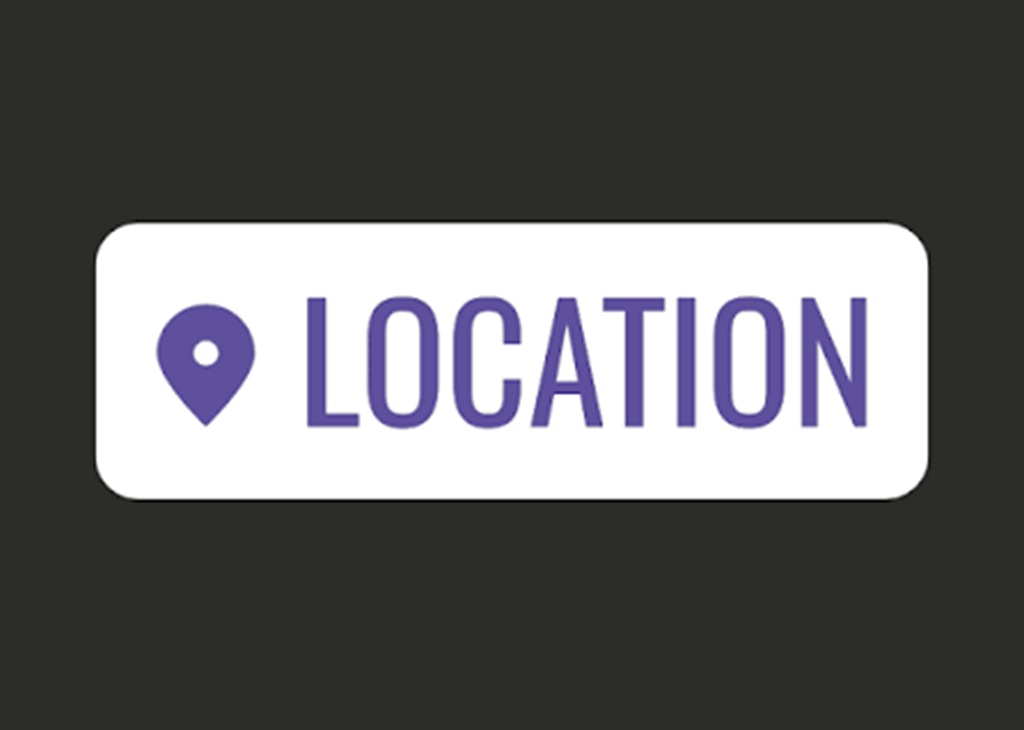
Stories use a different tool called the location sticker. Open the Stories camera, take or choose your photo or clip, and tap the sticker icon. Then choose the Location sticker and search for the place. Tap the sticker to switch between a few styles. You can drag it anywhere on the screen, and you can pinch to resize it. Instagram location tags work in Stories much like they do in feed posts. Viewers can tap the sticker to open the place page. Because Stories disappear after a day, the tag is perfect for timely moments, such as events, openings, and trips. Fast posting works well with fast sharing. Try a few Stories tonight to get comfortable. The sticker takes less than ten seconds to add.
Use The Location Sticker Well
Placement and style both matter. Put the sticker where it’s easy to read but doesn’t cover faces or key details. A clean corner often works best. Pick a style that contrasts with your background so the text stays clear. Don’t stack five stickers on one screen. A crowded layout looks messy, and viewers might skip it. If you add a location sticker plus a mention sticker, keep both small. Also remember that your text should still make sense without the sticker. A short caption such as “Saturday market finds” gives context. The sticker then confirms the place. Together, they tell a clear story in seconds. Test your layout on a sample Stories post first. A quick preview shows whether the text is easy to read.
Learn What Location Tags Still Do For Discovery In Stories
Instagram location tags in Stories can help people find you through places. When you add a location sticker, your Stories post can appear in the place’s Stories collection, if your account is public. Locals and travelers may watch that collection before they visit. This gives small businesses a free way to show up at the right moment. Of course, you can’t control who views it, and results vary. Still, the effort is tiny. A cafe that posts daily Stories with its own location sticker builds a steady presence. People who tap through learn the menu, the mood, and the hours. That trust often leads to real visits, which matter more than numbers. Consistency helps here. A steady schedule of tagged Stories teaches followers to check in often. That habit pays off.
Choose The Right Place For Each Post
Choosing the right place is half the job. For most posts, one tag is enough, and it should be the most specific accurate option. A named venue beats a whole city, because it reaches people who care about that exact spot. A city tag, however, works well for general travel content. If you run a local business, tag your own shop so customers can find it. When you plan to use Instagram location tags, compare a few options first. Search the place name and look at what other people post there. If the posts match your style, you’ve picked well. If they look unrelated, pick another tag. The page should feel like a fit. Update the tag if the venue changes its name or closes. Old tags confuse viewers and weaken your credibility.
Practice Using Location Tags Sensibly For Business
Businesses can use location tags in smart ways. A restaurant can tag its address on every food photo. Likewise, a salon can tag its studio on before-and-after Reels. A coach who runs workshops can also tag the venue for each event. Meanwhile, you can encourage customers to tag your place when they post. That creates real proof from real visitors. Then you can reshare the best posts to your Stories. Using location tags sensibly means keeping this consistent. Don’t tag your shop on posts that have nothing to do with it. Over time, a clean trail of relevant posts makes your place page more useful and more inviting. This also gives customers a reason to visit again. Happy visitors often become loyal followers.
Protect Your Privacy And Safety
Privacy deserves careful thought. A tag tells strangers where you are, and sometimes when. Never tag your home address or a child’s school. Avoid live tags at places you visit alone or at night. Instead, post later and tag the location after you leave. That small delay protects you without losing the benefit. The same advice applies to friends in your photos. Ask yourself whether they’d want strangers to know the spot. If you’re unsure, leave the tag off. Also review who can see your posts. A public account shares tags with everyone, while a private account limits that audience. Safety always comes before discovery. Review your tag history now and then. Remove any tag that you no longer feel comfortable sharing.
Measure And Improve Your Results
Next, check whether your tags help. Instagram location tags are easy to add, but they don’t guarantee results. So test them with a simple comparison. Pick ten recent posts, and note which ones had a tag and which didn’t. Then compare reach, saves, and profile visits. Look at the posts in the same format, because Reels and photos behave differently. If tagged posts often do better, keep the habit. If not, don’t worry. Some content simply doesn’t benefit from a place. The goal isn’t to tag everything. The goal is to learn where tags help your account and where they add nothing. Keep the test simple, and don’t expect perfect proof. Small trends still point you in a useful direction.
Check What Location Tags Still Do For Discovery In Insights
Instagram Insights shows where your viewers come from. Open a post, tap View Insights, and look at reach and views. Check how much came from people who don’t follow you. Next, look at profile visits and follows after the post. These numbers can hint at whether the tag brought in new people. They can’t prove it, because many factors affect each post. Still, repeated patterns are useful. For example, you might see that posts tagged at local events attract more non-followers. That tells you something real about your audience. Write the finding in your notes, and use it to plan your next posts. Review these numbers monthly. A regular check keeps your strategy grounded in what actually happens. Don’t chase every dip.
Keep Using Location Tags Sensibly Over Time
Finally, build a routine you can keep. Set a simple rule before each post. Ask whether the place adds meaning, whether the tag is accurate, and whether it’s safe to share. If all three answers are yes, add the tag. This takes about ten seconds. Over months, you’ll learn which places bring the best response. You can also update your habits as Instagram changes its features. Keep an eye on new options in the share screen and the Stories tray. Using location tags sensibly will always work better than using them everywhere. When you treat Instagram location tags as a helpful signpost, not a trick, your posts stay honest and useful. Small, steady habits add up. Over a year, they shape an account that people trust and recommend.
Contact VerifiedBlu to talk about how we can help you grow your Instagram followers organically and authentically.
