
How to Set Up Instagram Two-Factor Authentication
Why Account Security Matters
Your Instagram account holds your photos, your messages, and your audience. Losing it hurts, and it can happen fast. Hackers guess passwords, trick people with fake login pages, and reuse leaked details from other sites. As a result, a password alone no longer keeps you safe. That’s where Instagram two-factor authentication helps. It adds a second lock to your login, so a stolen password isn’t enough. Better yet, it’s free and takes only a few minutes to set up. Therefore, every account owner should use it, whether the page is personal, creative, or a full business. Best of all, the protection works quietly in the background once you finish. Overall, a strong login is the cheapest insurance that any creator can buy for a page.
Turning On Instagram Two-Factor Authentication Early
Many people wait until something goes wrong. Unfortunately, that’s the worst time to start. A hacked account can lose followers, post spam, and damage your reputation within hours. Recovery can take days, and it doesn’t always succeed. Instead, act now while everything still works. Also, think about what you’d lose. Years of posts, saved drafts, and customer chats sit inside your profile. Then imagine a stranger sending messages in your name. That picture makes the case clearly. In short, a few minutes of setup today can save you weeks of stress later. So treat this task as basic maintenance, just like updating your phone or backing up your photos. Above all, don’t wait for a scare to get serious about your security.
How the Extra Step Works
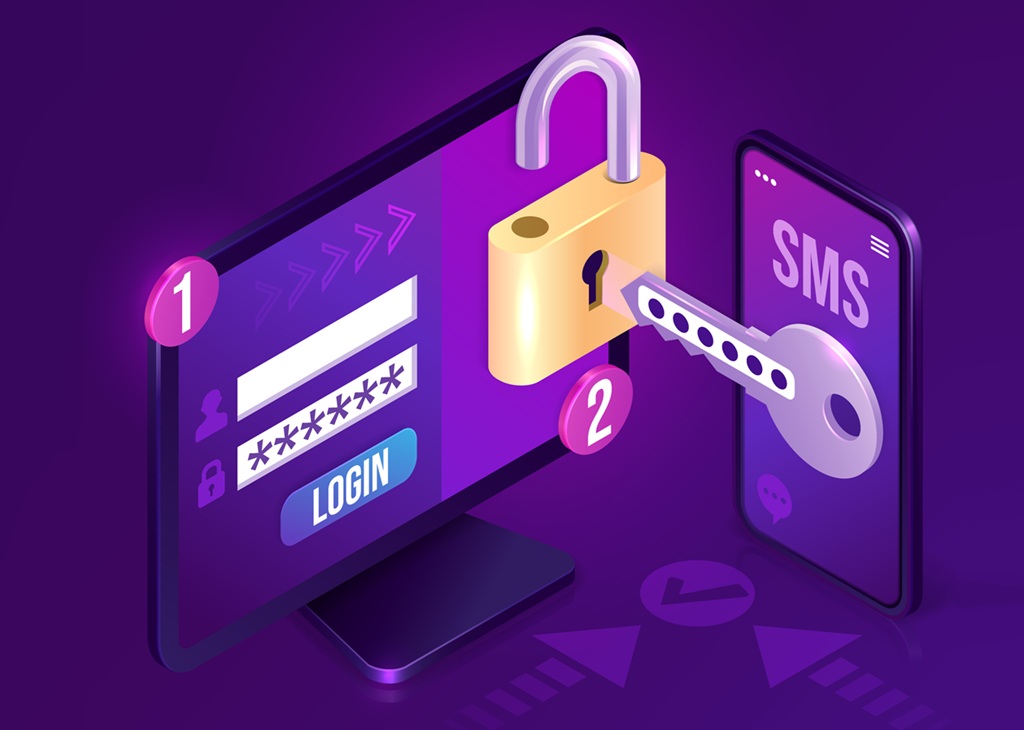
The idea is simple. First, you enter your username and password as usual. Then Instagram asks for a second piece of proof, such as a six-digit code. Only you should have access to that code. For example, it might arrive by text message, or an authentication app might show it on your phone. Because the code changes every few moments, a thief can’t reuse an old one. Meanwhile, the extra step takes only a few seconds for you. Also, you won’t see the prompt every time, because Instagram may remember devices that you trust. However, a login from an unknown device will always trigger the check. That’s exactly what you want. Once you understand this flow, the whole process feels far less technical than it sounds.
Prepare Before You Start
A little preparation makes the setup smooth. First, update your Instagram app to the latest version, because older versions may show different menus. Next, make sure you know your current password. Then check that your email address and phone number are correct, since Instagram uses them to reach you. Also, find a quiet moment and keep your phone nearby. Instagram two-factor authentication works best when you finish every step in one sitting. Meanwhile, log out of shared or public devices, so nobody else can see your screen. Finally, grab a pen and paper. You’ll want to write down a few backup codes soon. This short checklist takes about two minutes, and it prevents most setup problems. Besides, a calm and prepared start makes every later step feel much easier to follow.
Choose the Right Method
Instagram offers several ways to get your second code. An authentication app, such as Google Authenticator or Duo Mobile, is usually the strongest choice. It creates codes right on your phone, even without a signal. A text message is easier, but it depends on your phone number staying safe. In some regions, you can also get codes through WhatsApp. Additionally, some accounts can use a physical security key. However, not every option appears for every account, so you may see a shorter list. Beginners should pick an app if they can, or a text message if they can’t. Either choice is far safer than using only a password. Still, don’t stress about picking the perfect option, because you can change your method later.
Protecting Your Account From Takeover Starts Here
Good security begins with good habits. Before you turn anything on, change any weak or reused password. Choose a long phrase that you don’t use anywhere else. Next, remove any old email addresses from your profile if you no longer control them. Also, review which devices are logged in to your account. If you see one you don’t know, log it out right away. Then confirm that your email account has its own strong password and its own second step. After all, hackers often reset Instagram passwords through email. Because these small steps close the easy doors first, they make everything else work better. In short, protecting your account from takeover starts before the setting itself. Overall, these habits cost nothing, and they pay off for as long as you keep the account.
Follow the Setup Steps
Now you’re ready to begin. Open Instagram and tap your profile picture. Then open the menu in the top corner and choose Settings and activity. Next, select Accounts Center, then Password and security. Look for the option named Two-factor authentication and tap it. If you’ve linked more than one account, pick the one you want to protect. Instagram will then show your method choices. Menus change from time to time, so the labels may look slightly different on your phone. Even so, the path stays close to this one. Because Instagram two-factor authentication lives inside the security area, you can always find it there. Take your time, and read each screen before you tap. Finally, remember that the screens are clear, so you can move through them at your own pace.
Turning On Two-Factor Authentication Step by Step
Choose the method that you picked earlier. For an authentication app, Instagram shows a code or a link that connects the app to your account. Copy it into your app, and then type the six-digit code that the app displays. For a text message, confirm your phone number, wait for the message, and enter the code you receive. Next, Instagram confirms that the feature is on. Then you’ll usually see a screen with backup codes. Write them down or save them somewhere safe. Also, don’t share them with anyone, including people who claim to work for Instagram. Finally, tap Done. Your account now needs a second proof at every new login. Then save your work, and store the codes before you close the app.
Test Your New Login
Never assume that a setting works until you test it. First, keep your current session open on your phone. Next, try to log in from another device or a private browser window. Enter your password, and wait for the code prompt. Then enter the code from your app or text message. If everything works, you’ve finished the job. However, if the code fails, check the time on your phone. Codes depend on the correct time, and a wrong clock can cause errors. Also, try again with a fresh code. Because Instagram two-factor authentication is meant to be reliable, most problems have simple causes. Once the test succeeds, you can feel confident that your login is much stronger. Better yet, the whole test takes less than five minutes, so there’s no reason to skip it.
Handle Problems Calmly
Sometimes life gets in the way. You might lose your phone, switch numbers, or get locked out after a reset. Don’t panic. First, try to log in from another device that you’ve used before, since Instagram may still recognize it. Next, check your email for messages from Instagram, which often include recovery help. Also, move to a safe place and stay patient, because rushing leads to mistakes. Instagram two-factor authentication is designed to make theft hard, and that also means recovery takes a few extra steps. Still, most people regain access when they follow the on-screen instructions. Meanwhile, avoid any website or person that offers to hack your way back in. Those offers are almost always scams. Also, keep a note of any error message, since it helps if you need to contact support later.
Protecting Your Account From Takeover After a Lost Phone
A lost phone is the most common problem. So act quickly. First, change your Instagram password from another device. Then log out of all sessions that you don’t recognize. Next, turn off the old method and set up a new one on your new phone. Also, tell your mobile carrier if you lost the number, so they can block misuse. If a thief already got in, use the official recovery tools in the app or on the Instagram help page. Be careful with any message that asks for money or codes. Because scammers target people in a panic, real help never asks for your password. Stay calm, and you’ll keep control of the situation. Above all, keep your recovery details in a place that only you can reach.
Use Backup Codes
Backup codes are your emergency exit. Each code works one time, so you can use them if your phone isn’t available. Store them in a safe place, such as a password manager or a locked drawer. Don’t keep them in a screenshot on the same phone that you might lose. Also, remember that you can generate a fresh set later if you use up most of them. Meanwhile, delete any old list when you create a new one, so nobody can use it. For example, replace your codes every few months. Finally, tell one trusted person where to find them in an emergency. A small plan like this can save your account on a bad day. Besides, this simple routine also helps if you switch phones on purpose in the future.
Keep Your Account Safe Long Term
Security isn’t a one-time task. Instead, it’s a habit that you keep alive. Every few months, review your settings and confirm that your phone number and email are current. Also, check the list of devices that are logged in to your account. Remove anything that looks unfamiliar. Meanwhile, keep your apps and your phone up to date, because updates often fix security holes. Instagram two-factor authentication protects you best when the rest of your setup stays healthy. Additionally, use a password manager to keep strong, unique passwords for every service. That way, one leaked password can’t open your other accounts. In short, small regular checks keep the big risks away. Even so, a quick review every season is enough to keep everything current and safe.
Turning On Two-Factor Authentication for Every Account
Your Instagram account isn’t the only one that matters. Email, Facebook, and your other social accounts often connect to it. Therefore, enable a second step wherever it’s offered. Start with your email, because it controls password resets. Next, protect any account that shares a login with Instagram. If you manage a brand page with a team, ask each member to do the same. Also, agree on who holds the recovery details, so nobody gets locked out when a person leaves. Because a chain is only as strong as its weakest link, this teamwork matters. Moreover, it’s easy to explain. Ask everyone to follow the same steps that you’ve just learned. Plus, a shared checklist makes it easy to onboard any new helper who joins your account.
Protecting Your Account From Takeover Every Day
The best defense combines tools with awareness. First, don’t click links in unexpected messages, even if they look official. Instagram won’t ask for your password in a direct message. Next, be careful with third-party apps that promise free followers, because they often steal logins. Also, watch for signs of trouble, such as unexpected emails or posts that you didn’t create. If you notice one, change your password and check your devices right away. Then share what you learned with friends who run accounts. You should also consider backing up your content and data regularly. Overall, a few smart habits, plus a working second step, give you strong protection. That’s the practical way to keep your work, your audience, and your peace of mind safe. After that, you can relax, knowing your login is stronger than it was yesterday.
Contact VerifiedBlu to talk about how we can help you grow your Instagram followers organically and authentically.
