
How to Create and Use Logos on Instagram
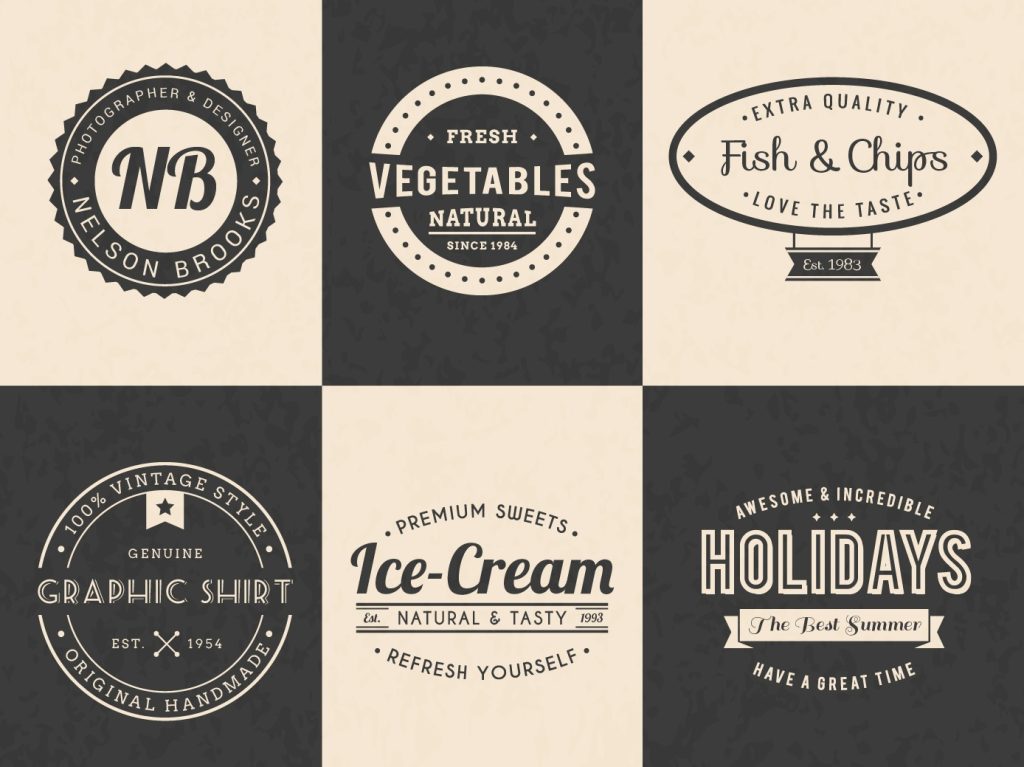
Your logo is one of the most important parts of your brand identity. It’s often the first thing people notice when they find your account. On Instagram, where visuals drive everything, a strong logo can set you apart instantly. However, many brands underestimate how much thought goes into logo design and placement. To use logos on Instagram effectively, you need to understand both design principles and platform-specific strategies. This article covers the key things to keep in mind and the best tips to help your logo work harder for your brand.
Why Your Brand Logo Shapes First Impressions
Your profile picture is the most visible place your logo appears. It shows up next to every post, comment, and Stories post you publish. Therefore, it needs to be clear, recognizable, and easy to read at a small size. Many logos look great on a website but become unreadable as a circle thumbnail. A strong logo at this size builds instant recognition across the platform. When someone sees your profile picture repeatedly in their feed, familiarity grows. Over time, that familiarity turns into trust. To use logos well, you must start by optimizing your logo for small formats.
Simplicity
Simplicity is the foundation of a strong Instagram logo. Complex designs with fine details tend to fall apart at small sizes. Therefore, aim for clean lines, minimal elements, and a limited color palette. A logo with one or two colors is almost always easier to read than one with five or six. Think about how your logo looks in both color and black and white. This flexibility matters when you use logos on Instagram across different backgrounds and content formats. The most memorable logos in the world are simple enough to sketch from memory. Aim for that level of clarity in your own design.
Brand logo = brand personality
Your brand logo should also reflect your brand personality. A playful font and bright colors work well for a lifestyle brand. However, a law firm or financial service needs something more structured and professional. Before you create a logo, define your brand values and target audience clearly. Your logo should communicate those values without any words at all. Color psychology plays a big role here. Blue often signals trust, red signals energy, and green signals growth or wellness. Choose your colors intentionally. Every design decision should support the message you want your brand to send on Instagram and beyond.
How to Create a Logo That Works Across Instagram Formats
Instagram offers many content formats, and your logo needs to work across all of them. These formats include your profile picture, feed posts, Reels, Stories, and Highlights covers. Each format has different dimensions and visual contexts. Therefore, your logo must be flexible enough to adapt. When you create a logo, think about how it will look as a full-color version, a white version, and a dark version. Having multiple variations ready saves time and keeps your branding consistent. A logo that only works in one format will limit your visual identity across the platform.
File format and size
Vector files are essential when you create a logo for use on Instagram. A vector file allows you to scale your logo to any size without losing quality. File formats like SVG, EPS, or AI are standard vector formats. In contrast, low-resolution PNG or JPEG files will look blurry when you enlarge them. Always export your logo in multiple formats and sizes. Keep a high-resolution version for large graphics and a smaller optimized version for profile use. Also export a transparent background version so you can place your logo on any color without a white box around it. Preparation prevents quality issues later.
Brand logo placement
When you use logos on Instagram in feed posts, placement matters. Avoid placing your logo in the center of the image, where it competes with the main visual. Instead, position it in a corner or along an edge. Use negative space effectively. Keep it small enough to be present without dominating the content. Consistency in placement also builds recognition over time. If you always put your logo in the bottom right corner, your audience will start to associate that position with your brand. Therefore, choose a placement style and stick with it across all your feed content. Remember that consistency is a form of branding in itself.
Consistency Across Your Entire Instagram Presence
Consistency is one of the most powerful tools in visual branding. When people see the same logo, colors, and style repeatedly, they start to recognize your brand instantly. To use logos on Instagram with maximum impact, apply them consistently across every touchpoint. This includes your profile picture, Stories templates, Highlights covers, Reels intro frames, and any graphics you post. Inconsistency confuses your audience. If your logo looks different from post to post, your brand feels disorganized. A unified visual identity signals professionalism and builds the kind of trust that turns followers into customers.
Highlights
Highlights covers are a great place to extend your brand logo presence. Many accounts overlook this area, but it sits directly below your bio. Custom Highlights covers with your brand colors or a simplified logo icon can make your profile look polished and intentional. You do not need to place your full logo on every cover. Instead, use consistent icons, colors, or design elements that connect visually to your logo. This approach creates a cohesive look across your whole profile. After all, your Instagram profile functions like a landing page. Every element should reinforce your brand identity clearly and consistently.
Stories templates
Stories templates are another important area to apply your branding. When you create Stories, include your logo or brand colors in the design. This is especially important for promotional content, announcements, or educational posts. Stories disappear after 24 hours, but they still shape how your audience perceives your brand. Therefore, treat them with the same level of design care as your feed posts. Use a consistent template style so that your Stories feel like a natural extension of your overall brand. When audiences see your content mid-scroll, they should recognize it as yours before they even see your username.
Create Variations for Different Content Needs
One logo version is rarely enough for a full Instagram strategy. You need variations to handle different situations. A dark background may require a white logo, while a light background calls for your full-color version. Therefore, when you create a logo, plan for at least three versions: full color, all white, and all black. Some brands also create a simplified icon version for use at very small sizes. This icon is usually just the most recognizable element of the full logo. Having these options ready means you can always use logos on Instagram without compromising quality or readability.
Branded templates
Branded templates make it easier to apply your logo consistently at scale. If you create a set of templates in a tool like Canva or Adobe Express, you can produce content faster without sacrificing quality. Build templates for feed posts, Stories, Reels covers, and quote graphics. Lock your logo, colors, and fonts into each template. Then all you need to do is swap out the content each time. This system saves time and ensures that every piece of content you publish reinforces your brand identity. Consistency becomes automatic when you build it into your workflow from the start.
Your brand logo’s interaction with photos
Also think about how your logo interacts with photography. Many brands overlay their logo on lifestyle or product photos. However, a logo placed over a busy background can become hard to read. To avoid this, add a subtle drop shadow, a semi-transparent background block, or place the logo over a simpler area of the image. Alternatively, reserve a clean section of your photo specifically for logo placement during the shoot. Therefore, plan your photography with branding in mind, not as an afterthought. The best branded content feels seamless, as if the logo belongs there naturally.
Logo Placement Tips
Where you place your logo in each piece of content affects how it’s perceived. A logo that’s too large feels aggressive and self-promotional. A logo that’s too small gets lost and fails to build recognition. The right size depends on the content, but a general rule is to keep your logo between five and ten percent of the total image area. This size is visible without being distracting. When you use logos on Instagram in Reels, consider placing a small watermark-style logo in a corner for the duration of the video. This keeps your branding present without interfering with the content itself.
Color contrast
Color contrast is critical for logo visibility. If your logo is light and your background is also light, the logo will disappear. Always check that there’s enough contrast between your logo and the background it sits on. Use your white logo version on dark or colorful backgrounds and your full-color version on neutral or white backgrounds. Also avoid placing your logo over areas with heavy texture or pattern, as this reduces legibility. Therefore, test your logo on a variety of backgrounds before you finalize your templates. What looks clear on screen during design may not hold up in the final exported image.
Animated logos
Animation is another option worth exploring when you use logos. An animated logo can add a professional, polished feel to your Reels and Stories. A simple fade-in or slide effect can make your logo feel dynamic without being distracting. Many tools like Adobe After Effects, Canva, or CapCut allow you to animate logos with minimal technical skill. However, keep the animation short and subtle. A logo that spins or bounces aggressively can feel amateurish. The goal is to add energy and polish, not to draw attention away from your core content. Keep it simple and on-brand.
How to Protect and Evolve Your Brand Logo Over Time
Once you establish a strong logo, protect it carefully. Register your logo as a trademark if possible. This prevents other brands from using a similar design in your industry. Also keep your original design files saved in multiple locations. Losing your source files can create major problems if you need to resize or modify your logo later. Store your files in cloud storage and make backup copies regularly. When you use logos on Instagram consistently over time, that logo becomes an asset. Treat it like one. Protect your original files the same way you would protect any valuable business document.
New brand logo; same core identity
Logos do evolve over time, and that’s perfectly normal. Many major brands have refreshed their logos while keeping the core identity intact. If your brand grows or shifts direction, your logo may need to reflect that change. However, avoid changing your logo too frequently. Frequent changes confuse your audience and break the recognition you have built. Therefore, when you do update your logo, make the transition gradually. Announce the change to your audience and explain the reason behind it. People are more accepting of change when they understand the story behind it. A well-communicated rebrand can actually strengthen your audience relationship.
Continued monitoring of performance
Finally, always evaluate how well your logo performs over time. Ask for feedback from your audience, colleagues, or clients. Pay attention to whether new followers recognize your brand quickly. If people frequently confuse your brand with another, your logo may need to be more distinct. Also track whether your visual identity feels consistent with your overall content tone. A logo that no longer matches the style of your content can create a disconnect. Therefore, revisit your logo strategy at least once a year. Make sure it still represents who you are and supports your goals when you use logos on Instagram to build lasting brand recognition.
VerifiedBlu is a great resource for growing your Instagram followers organically and authentically. Contact us to talk about how we can help.
