
How to Set Working Hours When Instagram Is Your Job
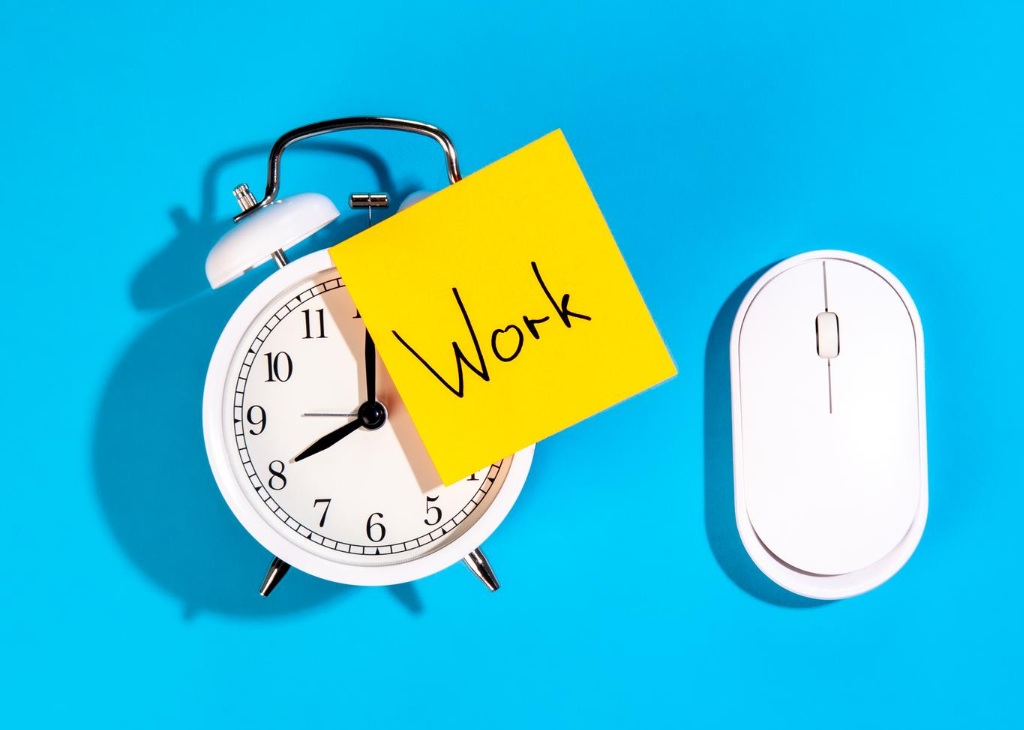
Why Drawing a Line Around the Workday Matters
When Instagram is your job, the workday never has a natural end. There’s no factory whistle, no closing time, and no office door to lock. Your phone holds your boss, your customers, and your coworkers all at once. A comment arrives at ten at night, and it feels urgent. A trend appears on Sunday morning, and you feel you must act. Without a plan, work leaks into every hour. That’s why clear Instagram working hours matter so much. They don’t limit your success. They protect the energy that makes success possible. This guide shows you how to choose your hours, share them with others, and keep them steady. You’ll also learn how to adjust them as your account grows. The goal is simple: a job you can sustain for years. So let’s start with why boundaries matter.
How Instagram Blurs Work and Rest
Most jobs end when you leave the building. Instagram doesn’t work that way, because the same app holds your work and your free time. You open it to post a Reel, and ten minutes later you’re watching videos for fun. Then you check your Insights, and suddenly it’s work again. This constant switching makes it hard to know when you’re on duty. It also makes rest feel guilty, because the next task is always one tap away. Creators often say they work all day but feel they never finish anything. That feeling is a warning sign. When every moment counts as maybe-work, no moment counts as real rest. Naming the problem clearly is the first step toward fixing it. Then you can build a better routine.
The Hidden Cost of Always Being On
Being always on has a price, even if it doesn’t show right away. Your ideas get weaker when you never step away to recharge. Your replies get shorter, and your patience wears thin. Small mistakes creep in, such as typos, missed deadlines, and forgotten messages. Over time, you may start to resent the very platform you once loved. Well-defined Instagram working hours reverse that slide. They give your brain a clear signal that work has started, and later, that it has ended. They also make your output more predictable, which helps brands, clients, and followers trust you. Rest isn’t a reward for finishing everything. It’s part of the work, because it keeps your creativity alive. Strong ideas need space to grow.
Build a Schedule Around Your Real Workload
A good schedule starts with an honest picture of your job. Think about every task that keeps your account running. You plan ideas, film, edit, write captions, post, reply to comments, answer messages, study results, and handle business tasks such as invoices and emails. Each task takes real time, though many creators underestimate it. Write down the tasks and guess how many hours each one needs in a typical week. Then add them up. Be honest, even if the number surprises you. If the total is eighty hours, you’ve found a problem worth solving. You may need to cut tasks, simplify your process, or hire help. If the total is thirty hours, you have room to spare. Still, either way, you’ll set your hours using facts instead of feelings. That makes every later decision easier.
Audit Where Your Time Goes
To check your guesses, track your time for one week. Use a simple notes app or a paper log. Every hour, jot down what you did. Don’t judge yourself, and don’t change your habits during this week. The goal is data, not perfection. Most creators find surprises. Maybe scrolling takes two hours a day, or maybe editing takes twice as long as expected. Compare the log with your goals, and decide which tasks deserve the most time. Then choose realistic Instagram working hours that fit the real picture, not an ideal version of your week. Include breaks, meals, and travel time in the plan. A schedule that ignores real life will fail within days, no matter how neat it looks. Real schedules bend a little.
Protecting Time Away From the App Comes First
Most people schedule work first and hope rest fits in later. Try the opposite. Block your time off before anything else goes on the calendar. Choose a daily stopping time, at least one full day off each week, and some longer breaks through the year. Treat those blocks like appointments with a client you can’t cancel. Then fit your work into the space that remains. This approach feels backward at first, yet it works because it forces you to make tough choices early. If everything can’t fit, you’ll decide what to drop, delegate, or delay. Without that pressure, work expands to fill every open hour, and rest never arrives. That’s how burnout begins. Guard your time off as carefully as you guard your deadlines.
Set Boundaries With Followers and Clients
Your hours only work if other people know about them. Followers can’t guess when you’re offline, and brands can’t guess when you’ll reply. Share your schedule in simple, friendly terms. Put a short note in your bio or highlights that explains when you answer messages, such as weekdays between ten and four. Tell clients your response time in your first email, and stick to it. Most people respect clear limits, especially when you state them calmly. A few might push back, but that’s a small price for a sustainable career. Most will simply adapt. Also, steady habits build trust over time. Remember that fast replies create fast expectations. If you answer at midnight once, people may expect it again. Consistent Instagram working hours teach your audience how to treat your time.
Write Clear Availability Messages
Short, polite messages do most of the work. Prepare a few templates and save them where you can reach them quickly. One might say that you reply to messages on weekdays within two days. Another might explain that you’re away and will return on a set date. If your account type offers saved replies or away messages, use them. They answer common questions automatically and ease pressure on you. Keep the tone warm, not defensive. A simple line, such as saying you’re offline for the evening and will reply tomorrow, sounds kind and professional. Avoid long apologies, because they suggest you’ve done something wrong. You haven’t. You’re simply running your job like any other professional would, with hours that people can understand. Clear messages also save you time later.
Drawing a Line Around the Workday With Clients
Clients deserve special care because they pay you. Even so, they don’t own every hour of your day. Put your availability into your contracts or onboarding notes. State your reply window, your meeting times, and how you handle urgent requests. For example, you might allow urgent work on a clearly marked emergency basis, perhaps at a higher rate. This keeps real emergencies from being lost, and it discourages false ones. If a client breaks the rules, respond kindly but firmly. Remind them of the agreed terms, then return to your normal schedule. Clear Instagram working hours also make your pricing fairer, since you can see exactly how much time each project uses. That clarity protects both your income and your sanity.
Protecting Time Away From the App Every Day
Plans are easy to write and hard to follow. The real test comes at six in the evening, when a new notification pops up. To stay on track, build small barriers between you and the work. Turn off nonessential notifications, so the app can’t call you at random moments. Remove Instagram from your home screen, or move it into a folder. Use the app’s own time-limit and sleep-mode settings if they suit you. Keep work devices or work accounts separate from personal ones when you can. Each barrier adds a small pause, and that pause gives you time to choose. Often, that choice is simply to wait until tomorrow. Small barriers are far stronger than good intentions. Try one new barrier this week.
Use Notifications and Tools Wisely
Not every alert deserves your attention. Decide which ones matter most, such as messages from clients, and silence the rest. Check likes, follows, and general comments only during set windows, perhaps twice a day. Within your Instagram working hours, schedule short engagement blocks of twenty or thirty minutes. Reply, react, and close the app when the timer ends. Scheduling tools can help too. They let you prepare posts in advance, so you don’t need to be online at the exact moment of publication. Spend one focused session each week loading your content, and enjoy the freedom afterward. Tools don’t replace discipline, yet they remove many reasons to break your own rules, which makes discipline much easier. Think of them as helpers, not bosses.
Create a Shutdown Ritual
A shutdown ritual tells your mind that work has ended. It can be short and simple. Review what you finished, write tomorrow’s top three tasks, and close the apps you used. Then say a closing phrase that tells you the day is done, and mean it. Some creators change clothes, take a short walk, or switch off a desk lamp. The action matters less than the habit. Doing the same thing every evening creates a clear boundary, much like a door that closes behind you. Without this step, thoughts about unfinished work follow you into dinner and sleep. With it, you can relax knowing that tomorrow’s plan is safe on paper. That peace of mind is worth the two minutes. Besides, you’ll sleep better when the list is out of your head.
Adjust Your Hours as Your Account Grows
Your hours won’t stay perfect forever. As your account grows, your workload changes, and your schedule must change with it. A new product, a growing team, or a busy season can all shift your needs. Plan to review your hours every month or two. Ask a few simple questions. Am I finishing my main tasks on time? Do I feel rested? Are clients and followers getting what they expect? If the answers are no, adjust. Maybe you need fewer posts, more help, or longer breaks. Don’t treat changes as failures. A flexible schedule is a healthy one, because it responds to real life. The key is to change on purpose, not by accident. Then each change moves you toward a calmer workweek.
Review Whether Drawing a Line Around the Workday Works
Every month, hold a short review to check how your boundaries are holding up. Look at the days you broke your own rules and ask why. Was it a real emergency, or a habit? Did your Instagram working hours match the demands of the month? Notice how you feel at the end of each week. Are you tired, restless, or proud of your results? Write short notes, and look for patterns over time. If you break your rules often, the rules may be too strict. If you never break them, they may be too loose. Adjust one thing at a time, and test it for a few weeks. Small, steady changes produce lasting routines. Patience matters more than speed.
Protecting Time Away From the App for the Long Term
Careers on Instagram can last for years, but only if you keep your energy. Think of rest as an investment, not a luxury. Plan real breaks, such as a weekend without posting or a week away each season. Prepare content in advance so your account stays active while you recharge. Remember why you started, and remind yourself that your worth isn’t measured by constant output. The best creators don’t work every hour. They work well during their hours, and they stop when time is up. Start today with one small step, such as setting a stopping time for tonight. Keep it, repeat it tomorrow, and build from there. Over time, those small steps will protect both your account and your health.
VerifiedBlu can help you grow your Instagram followers organically and authentically. Contact us today.
